Unlocking Terminal Power with ‘screen’: Why Every Linux User Needs It
In the world of Linux and Unix-based systems, efficiency is key, and the screen utility is a game-changer. Whether you’re a system administrator, developer, or just a power user, ‘screen’ offers a vital tool for optimizing your terminal workflow.

It allows you to create multiple terminal sessions within one window, ensuring you can seamlessly switch between tasks. What makes ‘screen’ truly indispensable is its ability to persist sessions, keeping your work intact even if you’re disconnected or logged out.

From remote access and background task management to collaborative work and emergency recovery, ‘screen’ empowers you to work smarter and more reliably.

Discover how this versatile tool can revolutionize your Linux experience.

In Debian Linux, you can use the screen utility to create and manage terminal sessions. Here are the basic commands to start a screen session, list existing sessions, and reattach to a specific session:

To start a new screen session, open your terminal and type:

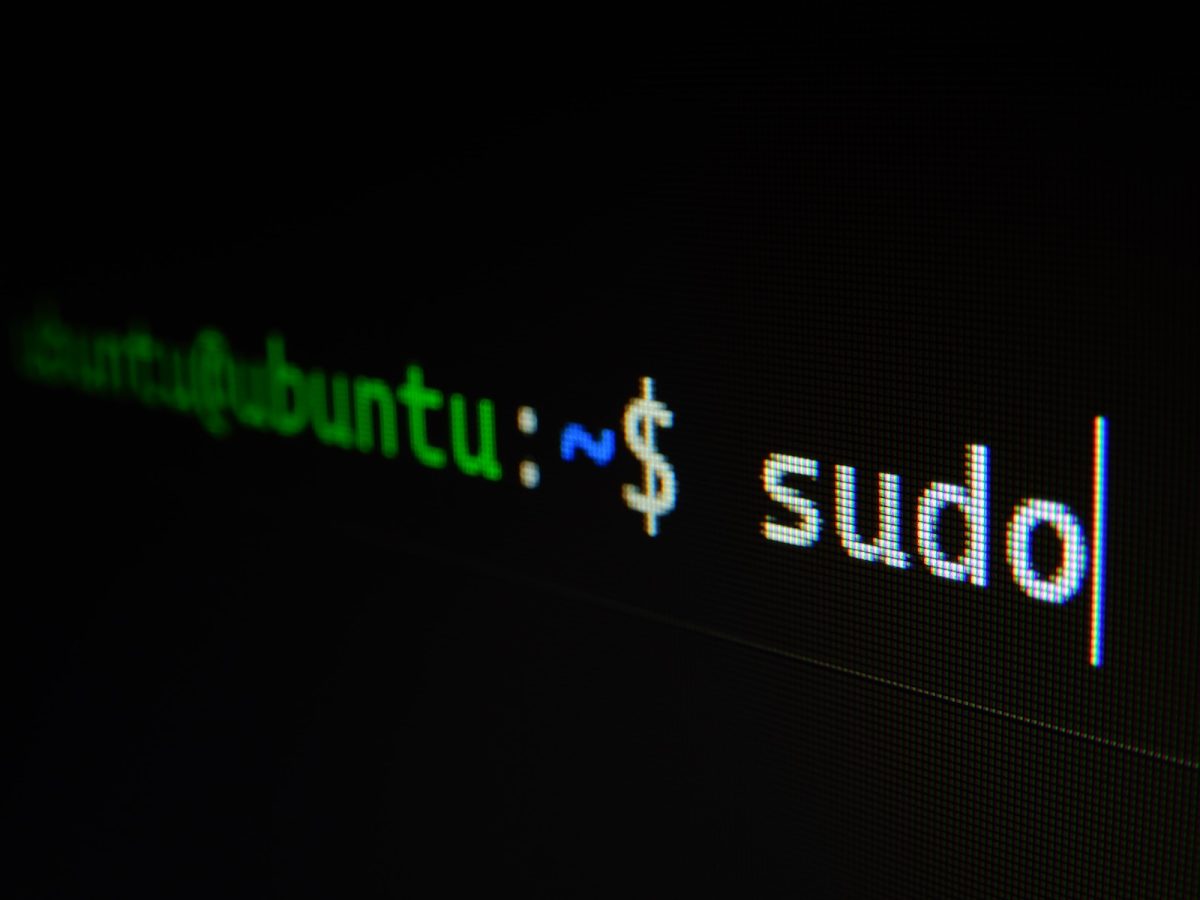
screen

This will create a new screen session and provide you with a shell prompt.

To list the existing screen sessions, you can use the following command:

screen -ls

This will display a list of all the active screen sessions, along with their session IDs and status

To reattach to a specific screen session, you need to specify its session ID. If you see the session you want to reattach to in the list generated by screen -ls, take note of its session ID, and then use the following command to reattach to it:

screen -r session_id

Replace session_id with the actual session ID of the screen session you want to reattach to. For example, if the session ID is 12345, you would run:

screen -r 12345

This will reconnect you to the existing screen session.

To detach from a screen session and return to the main terminal, you can use the keyboard shortcut Ctrl-a followed by d (press and hold Ctrl, then press a and release both, and then press d). This will leave the screen session running in the background.

Keep in mind that screen is a very powerful tool for managing terminal sessions, and it has many other features and commands that you can explore by typing Ctrl-a followed by ? to see the available options.

Nggak perlu PrintScreen, cukup Snipping Tools saja

snipping toolsSebelum jamannya Windows 7 , melakukan screen capture (croping) gambar layar komputer merupakan pekerjaan yang ribet. Paling mudah pencet tombol Print Screen (PrtSc) lalu Paste hasilnya di aplikasi pengolah gambar, tapi hal ini tidak praktis, gambar yang diambil selalu satu layar penuh, butuh usaha untuk editing lagi.

Bila menggunakan aplikasi tambahan macam SnagIt, keren sih, tapi aplikasi ini berbayar, ada sih bajakannya , tapi masak sih pake bajakan ? udah nggak jaman. Lagipula komputer kantor nggak boleh diinstall bajakan.

Banyak yang nggak sadar , kalo di Windows 7 ada penambahan aplikasi bawaan yang berbeda dari sebelumnya, nama aplikasinya  Snipping Tool.

Aplikasi ini akan membuat hidup anda lebih mudah untuk urusan screen capture. Mirip SnagIt, tapi ini lebih simple dan langsung  tersedia. Menurut saya aplikasi ini sangat intuitif dalam membantu pekerjaan screen capture untuk keperluan membuat tutorial atau bahan presentasi. Aplikasi gratis ini juga sudah  bisa memilih area (region) tertentu yang akan ditangkap (capture), bisa disimpan dalam  berbagai format , terpenting adalah kita dapat melakukan sedikit Penyuntingan (editing) pada hasil tangkapan layar kita.

ESRI South Asia User Conference

Pada tanggal 6-8 September 2006, ESRI South asia mengadakan user conference yang ke 13 di Subang malaysia. Dalam conference tersebut ada beberapa perkembangan menarik tentang teknologi mapping yang dapat kita cermati bersama.

ArcGIS Server 9.2

Pada user conference kali ini sangat terasa adanya ‘urgensi’ dari pihak ESRI untuk memperkenalkan fitur pada ArcGIS Server 9.2 yang pada saat tersebut masih berstatus ‘Release Candidate’. Wajar saja mengingat satu tahun terakhir ini beberapa perusahaan IT dunia sangat gencar melakukan inovasi dalam teknologi mapping. Contoh nyata tersebut dapat kita lihat pada Google Earth Versi 4 (beta) dan API baru Windows Local Live.

Continue reading ESRI South Asia User Conference