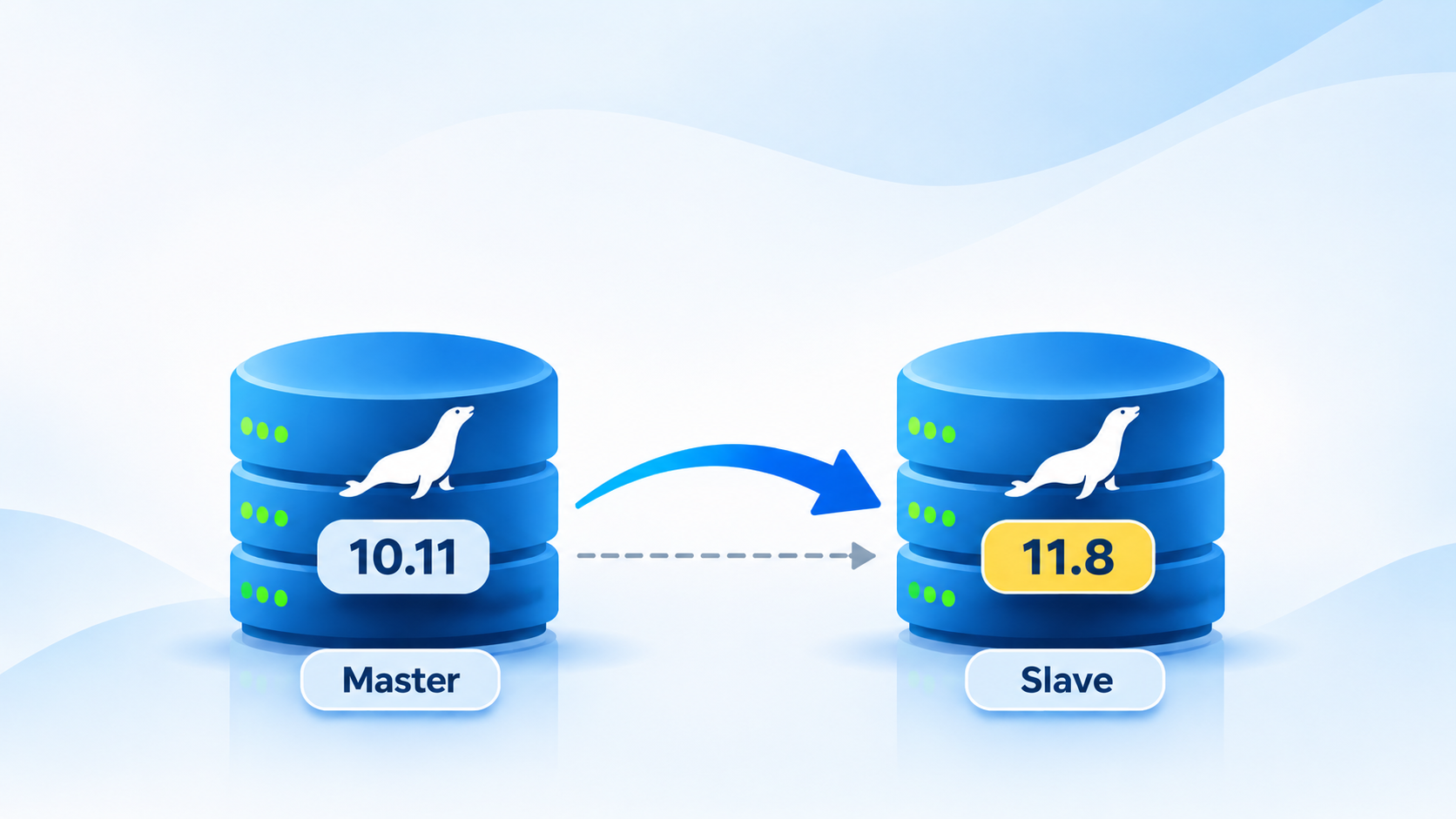
Running an older database version in production is not necessarily a problem, especially when it is stable and has been running reliably for years. However, there comes a point when security updates, performance improvements, and new features make upgrading a reasonable decision.
Recently, I needed to plan an upgrade of a MariaDB environment running on Debian 12 (Bookworm), moving from MariaDB 10.11.19 to MariaDB 11.8 LTS.
At first glance, upgrading MariaDB might look like a straightforward package update. Add the repository, run apt upgrade, restart the service, and everything should be fine.
Unfortunately, production databases are rarely that simple.
The environment I was working with uses a traditional Master-Slave replication architecture without GTID (Global Transaction ID). This introduces some additional considerations, particularly around replication compatibility, binary log coordinates, and the order in which database servers should be upgraded.
In this article, I’ll walk through a practical approach to upgrading MariaDB 10.11 to 11.8 on Debian 12 while preserving the existing replication architecture.
Understanding the Existing Environment
Before making any changes, it is important to understand what we are upgrading.
The starting environment looks like this:
| Component | Configuration |
|---|---|
| Operating System | Debian 12 Bookworm |
| Current MariaDB | 10.11.19 |
| Target MariaDB | 11.8 LTS |
| Replication | Master-Slave |
| GTID | Disabled |
| Replication method | Binary log file and position |
| Storage Engine | InnoDB |
MariaDB 10.11 is an LTS release, and MariaDB 11.8 is also an LTS release. Moving between these versions is a major-version upgrade, not simply a minor package update.
This distinction matters because major upgrades can introduce changes to system tables, configuration options, SQL behavior, and storage engine internals.
The objective is to upgrade both servers without rebuilding the replication topology or introducing GTID.
Why Upgrade the Slave First?
This is probably the most important decision in the entire migration.
When working with database replication, the order of upgrading servers matters.
My preferred approach is to upgrade the replica first while keeping the primary server on its existing version.
The reason is that MariaDB replication generally supports a newer replica receiving binary log events from an older primary, subject to version compatibility and the SQL features used by the application.
This allows the upgraded replica to continue receiving changes while the production master remains untouched.
The migration sequence becomes:
- Master remains on MariaDB 10.11.
- Upgrade the Slave from MariaDB 10.11 to 11.8.
- Validate replication between the 10.11 Master and 11.8 Slave.
- Schedule maintenance on the Master.
- Upgrade the Master to MariaDB 11.8.
- Validate replication between both 11.8 servers.
There is one important qualification: do not assume that every combination of MariaDB versions is automatically compatible. Check the official replication compatibility documentation and test the exact versions in a staging environment before applying the upgrade to production.
Step 1: Check the Existing Replication Status
Before upgrading anything, make sure replication is healthy.
On the Master, connect to MariaDB:
sudo mariadbCheck the current version:
SELECT VERSION();Check binary logging:
SHOW MASTER STATUS;Also inspect the relevant configuration:
SHOW VARIABLES LIKE 'log_bin';
SHOW VARIABLES LIKE 'binlog_format';
SHOW VARIABLES LIKE 'server_id';Code language: JavaScript (javascript)
On the Slave:
SHOW SLAVE STATUS\GPay attention to these values:
Slave_IO_Running: Yes
Slave_SQL_Running: Yes
Seconds_Behind_Master: 0Code language: HTTP (http)
Also record the following fields:
- Master_Log_File
- Read_Master_Log_Pos
- Relay_Master_Log_File
- Exec_Master_Log_Pos
- Last_IO_Error
- Last_SQL_Error
These values help establish the current replication position and identify potential problems before the migration.
Do not proceed if replication is already experiencing errors.
Step 2: Back Up the Database and Configuration
Never perform a major database upgrade without a verified backup.
For production environments, I recommend using mariadb-backup for physical backups.
At a minimum, preserve:
- Database backups.
- MariaDB configuration files.
- Replication configuration.
- Binary log configuration.
- Database user and privilege information.
- Current APT repository configuration.
Back up the configuration directory:
sudo cp -a /etc/mysql \
  /etc/mysql.backup-10.11
Also preserve the current package information:
dpkg-query -W \
  'mariadb*' > mariadb-packages-before-upgrade.txtCode language: JavaScript (javascript)
Remember that a database backup is only useful if you can restore it.
For a major-version upgrade, I prefer having a separate recovery environment where the original MariaDB 10.11 backup can be restored and tested.
Do not assume that reinstalling MariaDB 10.11 and pointing it to an already-upgraded 11.8 data directory will provide a safe rollback.
Step 3: Configure the MariaDB 11.8 Repository
Debian 12’s standard MariaDB repository generally provides the 10.11 series.
To install MariaDB 11.8, use the official MariaDB repository configuration script.
First, install curl:
sudo apt update
sudo apt install -y curl
Configure the repository:
curl -LsS https://r.mariadb.com/downloads/mariadb_repo_setup \
  | sudo bash -s -- \
  --mariadb-server-version="mariadb-11.8"Code language: JavaScript (javascript)
Update the package index:
sudo apt updateCheck the available package version:
apt-cache policy mariadb-serverMake sure the candidate version belongs to the 11.8 series.
One thing worth mentioning: avoid mixing packages from Debian’s default repository and MariaDB’s official repository unintentionally. Check the package origins and dependency changes before proceeding.
Step 4: Upgrade the Slave
Now comes the first actual upgrade.
Start by stopping replication on the Slave:
STOP SLAVE;Then stop the MariaDB service:
sudo systemctl stop mariadbBefore installing anything, simulate the package installation:
sudo apt-get -s install \
  mariadb-server \
  mariadb-client \
  mariadb-backupCode language: JavaScript (javascript)
Review the proposed changes.
If the package manager wants to remove unrelated packages or replace components unexpectedly, investigate before continuing.
If everything looks reasonable, proceed:
sudo apt install \
  mariadb-server \
  mariadb-client \
  mariadb-backup
Start MariaDB:
sudo systemctl start mariadbCheck the installed version:
mariadb --versionYou should now see MariaDB 11.8.x.
Next, run the database upgrade utility:
sudo mariadb-upgradeThis utility checks and updates MariaDB system tables after a major-version upgrade.
Restart the service if necessary:
sudo systemctl restart mariadbCheck the service:
sudo systemctl status mariadbAt this stage, the Slave should be running MariaDB 11.8 while the Master remains on 10.11.
Step 5: Restore and Validate Replication
Once the upgraded Slave is running correctly, reconnect it to the Master.
Since this environment does not use GTID, the existing replication configuration should continue using binary log filenames and positions.
If the replication configuration has been preserved, you can try:
START SLAVE;Then:
SHOW SLAVE STATUS\GCheck the following:
Slave_IO_Running: Yes
Slave_SQL_Running: Yes
Last_IO_Error:
Last_SQL_Error:
Wait until replication catches up.
Ideally:
Seconds_Behind_Master: 0Code language: HTTP (http)Do not immediately upgrade the Master just because the Slave starts successfully.
Allow some time for replication to operate normally. Check the database logs, monitor replication lag, and verify that application data is being replicated correctly.
This is your first major checkpoint.
If replication is unstable, stop here and investigate before touching the Master.
Step 6: Upgrade the Master
Once the Slave has been successfully upgraded and validated, schedule a maintenance window for the Master.
Unlike the Slave upgrade, this operation requires additional care because the Master is responsible for accepting application writes.
My preferred sequence is:
- Put applications into maintenance mode or temporarily disable database writes.
- Wait for the Slave to process all outstanding transactions.
- Record the final replication status and binary log coordinates.
- Stop MariaDB on the Master.
- Install MariaDB 11.8 using the same repository configuration.
- Start MariaDB.
- Run
mariadb-upgrade. - Verify database availability.
- Resume application writes.
- Verify replication on the Slave.
The installation commands are essentially the same:
sudo apt install \
  mariadb-server \
  mariadb-client \
  mariadb-backup
Then:
sudo systemctl start mariadb

sudo mariadb-upgrade

sudo systemctl restart mariadb
Verify:
mariadb --version

sudo systemctl status mariadb
At this point, both servers should be running MariaDB 11.8.
Step 7: Verify Replication After the Upgrade
Do not consider the migration complete just because both MariaDB services are running.
Replication must also be verified.
On the Master:
SELECT VERSION();

SHOW MASTER STATUS\G
On the Slave:
SELECT VERSION();

SHOW SLAVE STATUS\G
The expected configuration should look something like this:
| Check | Expected Result |
|---|---|
| Master Version | MariaDB 11.8.x |
| Slave Version | MariaDB 11.8.x |
| GTID | Disabled |
| Slave_IO_Running | Yes |
| Slave_SQL_Running | Yes |
| Seconds_Behind_Master | 0 |
| Last_IO_Error | Empty |
| Last_SQL_Error | Empty |
I also recommend testing an actual write operation.
Create a temporary test record on the Master, verify that it appears on the Slave, and then clean up the test record.
This provides a more meaningful validation than simply checking whether the replication threads are running.
A Few Things Worth Checking Before the Upgrade
There are several details that can easily be overlooked during a major MariaDB upgrade.
Character Sets and Collations
MariaDB 11.8 has different default character set and collation behavior compared with older MariaDB versions.
Check the existing settings:
SHOW VARIABLES LIKE 'character_set_server';

SHOW VARIABLES LIKE 'collation_server';Code language: JavaScript (javascript)
I generally prefer explicitly defining character sets and collations at the database or table level rather than relying on server defaults.
This makes application behavior more predictable when moving between database versions.
Configuration Compatibility
Do not blindly copy your old MariaDB configuration into the new installation.
Review configuration files under:
/etc/mysql/Pay particular attention to deprecated or removed configuration options, binary logging, InnoDB settings, connection limits, and replication parameters.
Review the MariaDB 11.8 release notes before restarting production services.
Binary Logs and Replication Coordinates
Since this environment does not use GTID, binary log filenames and positions remain important.
Make sure binary logging is enabled on the Master and that the existing replication configuration still points to the correct source.
Do not run CHANGE MASTER TO unnecessarily if the existing configuration is intact and replication resumes successfully.
Reconfiguring replication without understanding the current coordinates can introduce unnecessary risk.
Rollback Strategy
A rollback plan is not simply reinstalling the previous MariaDB version.
After a major upgrade, the database data directory may have been modified by the newer version.
If you need to return to MariaDB 10.11, the safer approach is to restore the pre-upgrade backup into a compatible MariaDB 10.11 environment.
Keep the original backup until the upgraded environment has been validated and accepted.
Final Thoughts
Upgrading MariaDB in a standalone environment is relatively straightforward. Upgrading a production Master-Slave environment requires a little more planning.
For this particular migration, I would keep the existing non-GTID replication architecture and avoid introducing additional changes during the upgrade.
There is no need to migrate to GTID simply because you are moving from MariaDB 10.11 to 11.8.
The most important things are to establish a reliable backup, verify replication before making changes, upgrade the Slave first, validate compatibility, and only then proceed with the Master.
A database upgrade should improve the reliability and maintainability of your infrastructure, not become an opportunity to introduce unnecessary architectural changes.
My rule for production database upgrades is simple: change one thing at a time, validate every step, and always have a recovery path.